Know what you can spend today.
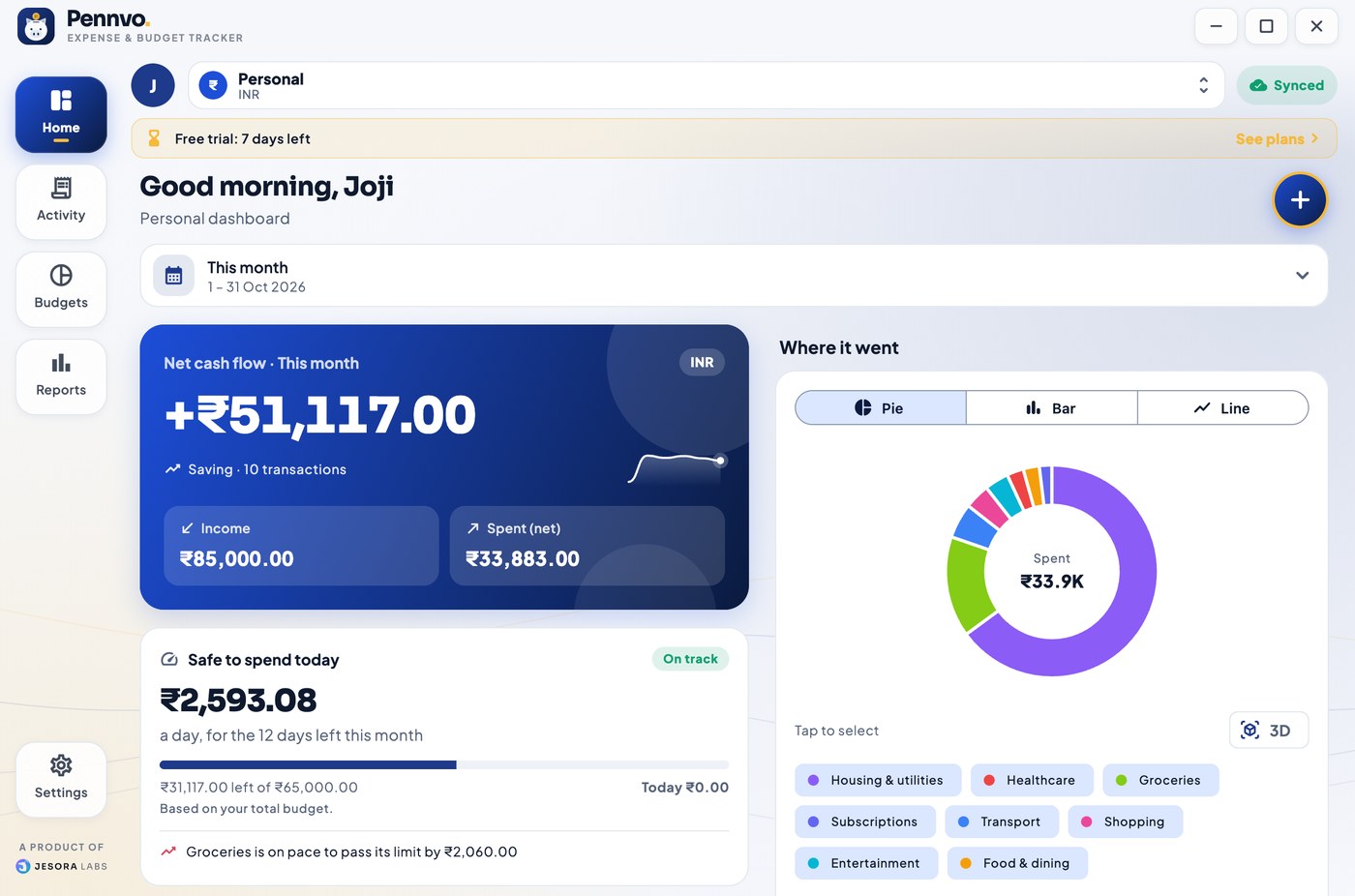
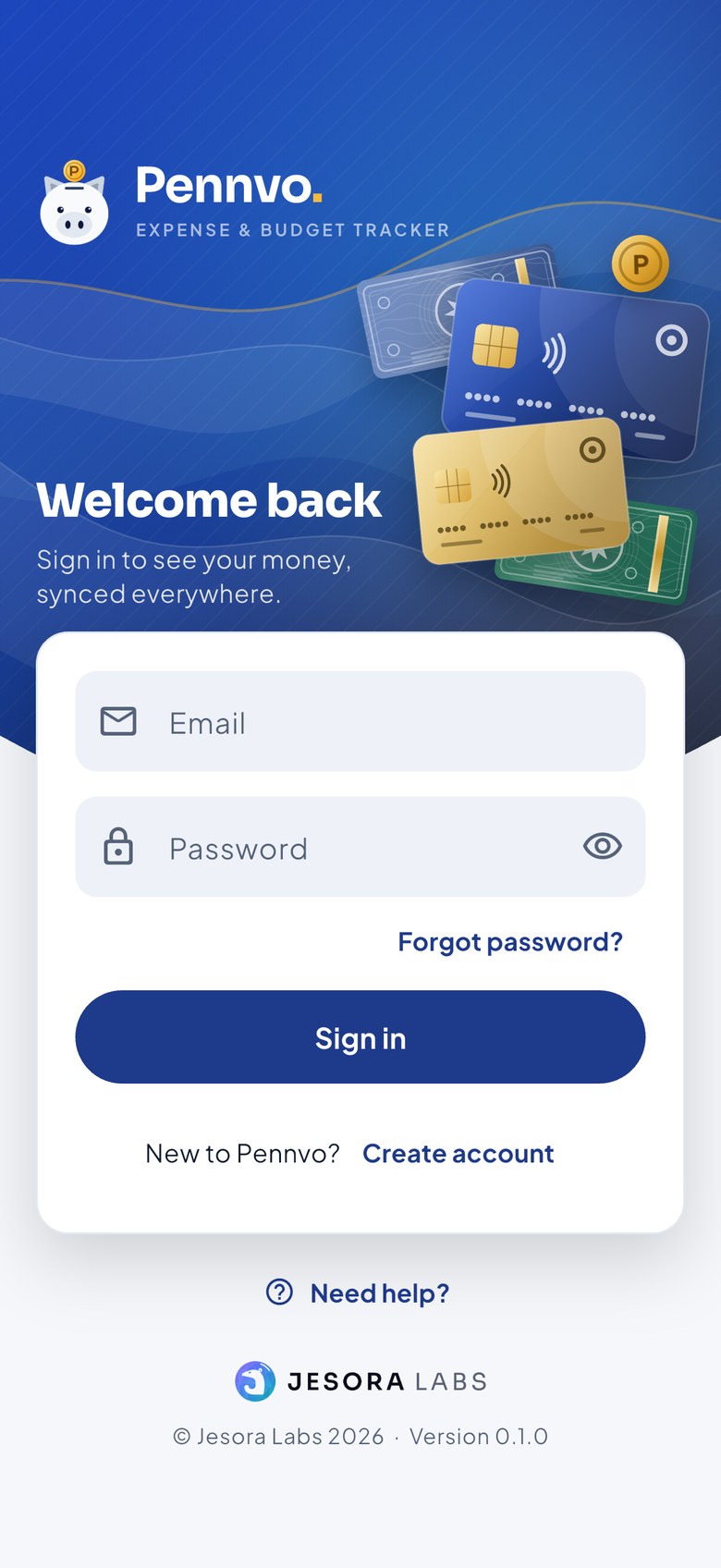
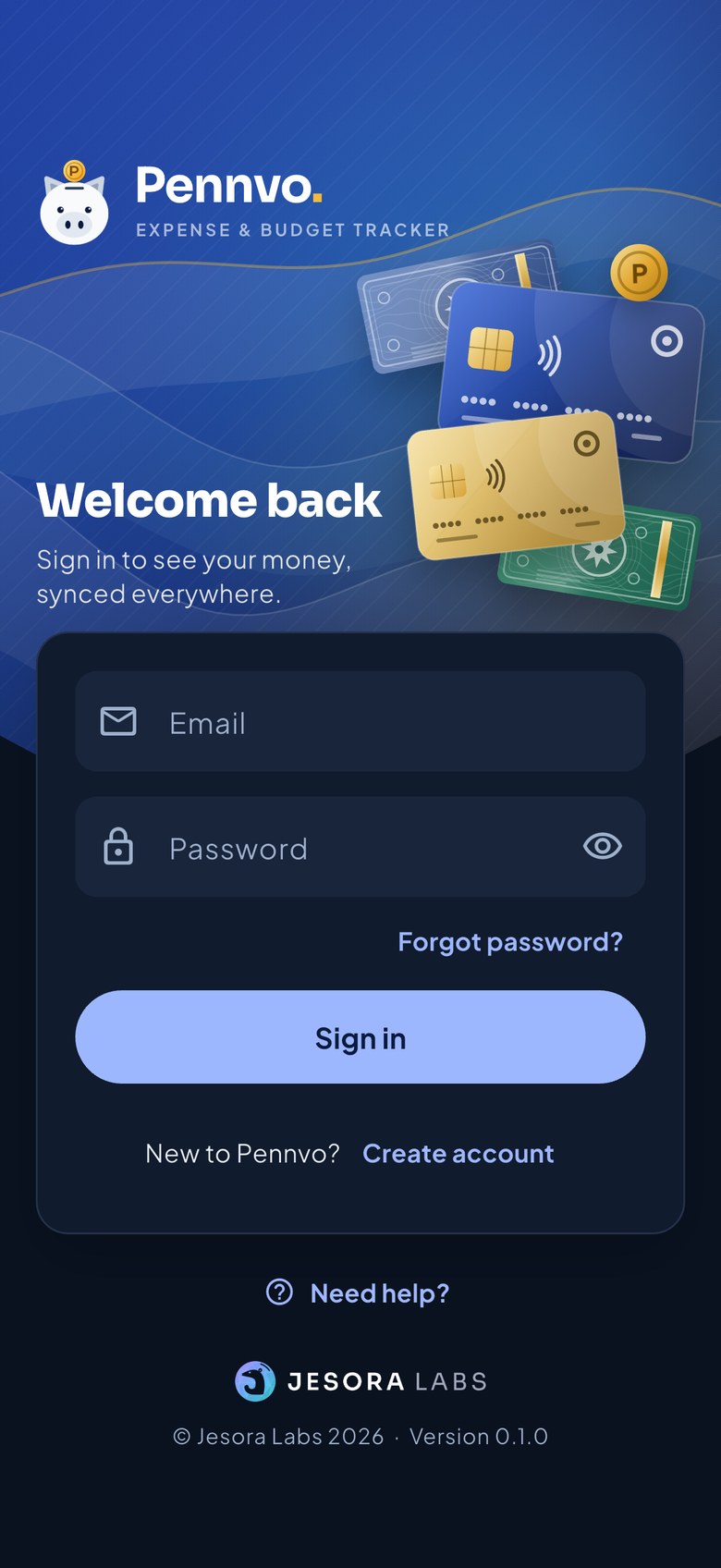
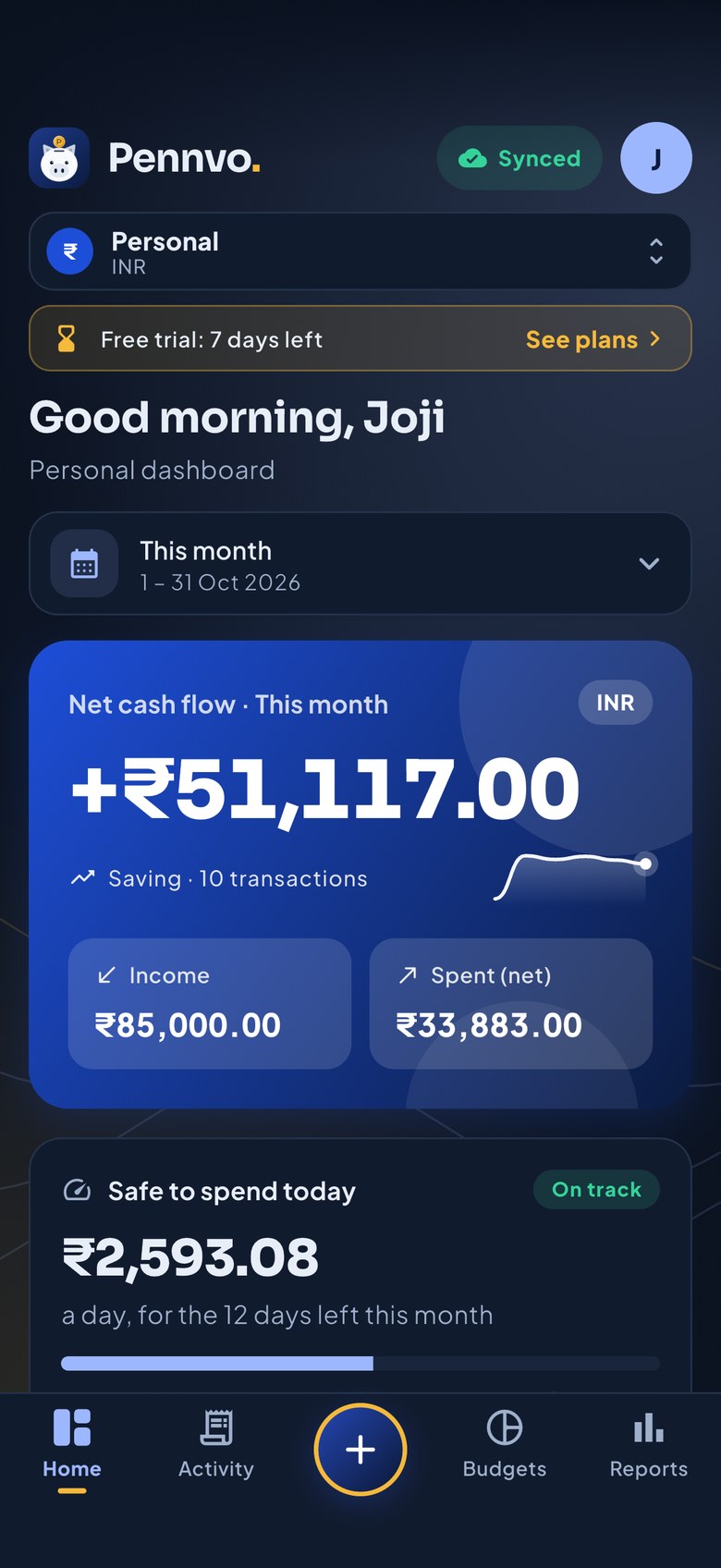
Pennvo turns bank messages into transactions, finds your subscriptions, and tells you each morning how much is safe to spend. Every currency has its own wallet, on all your devices.
Free for 7 days, no payment details needed.
Money that explains itself
Less typing, fewer surprises, and numbers you can act on.
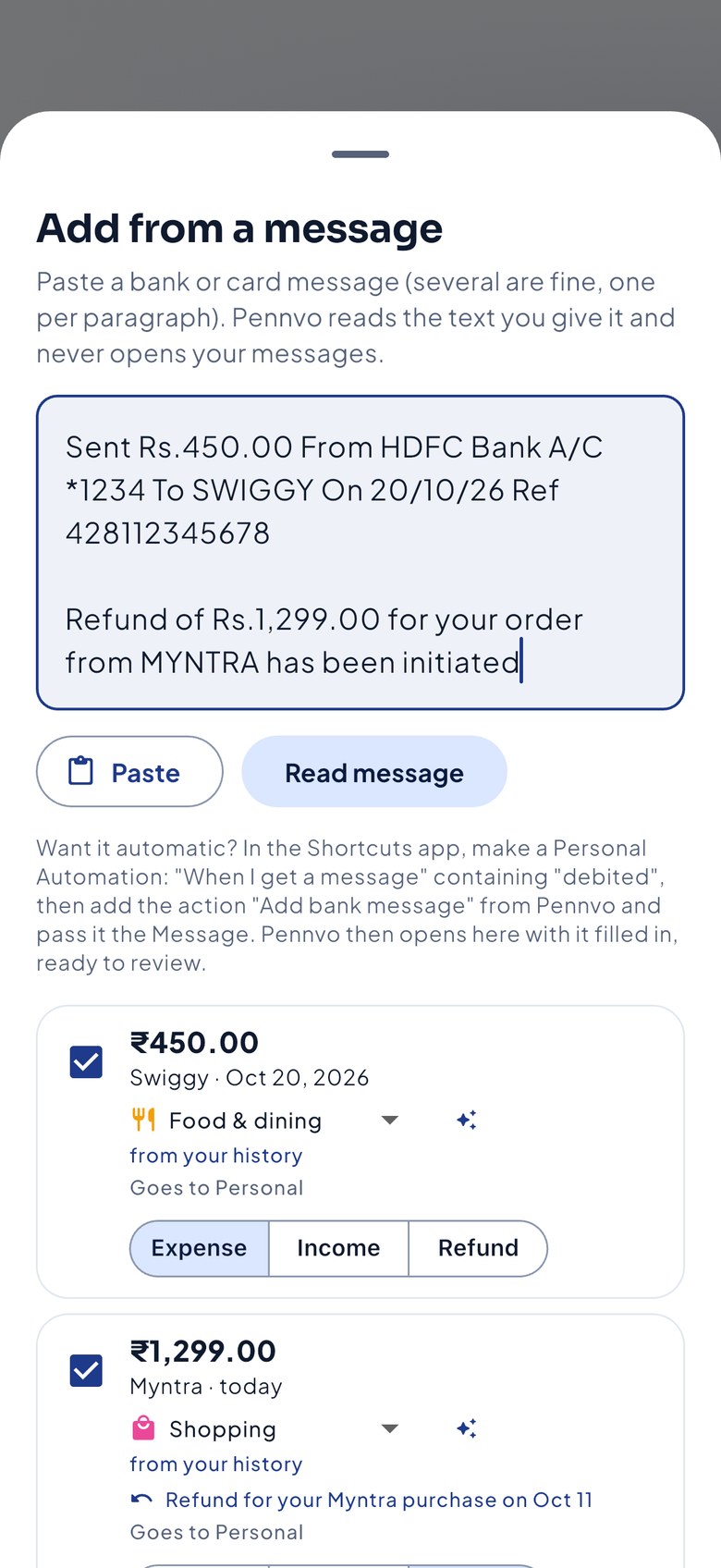
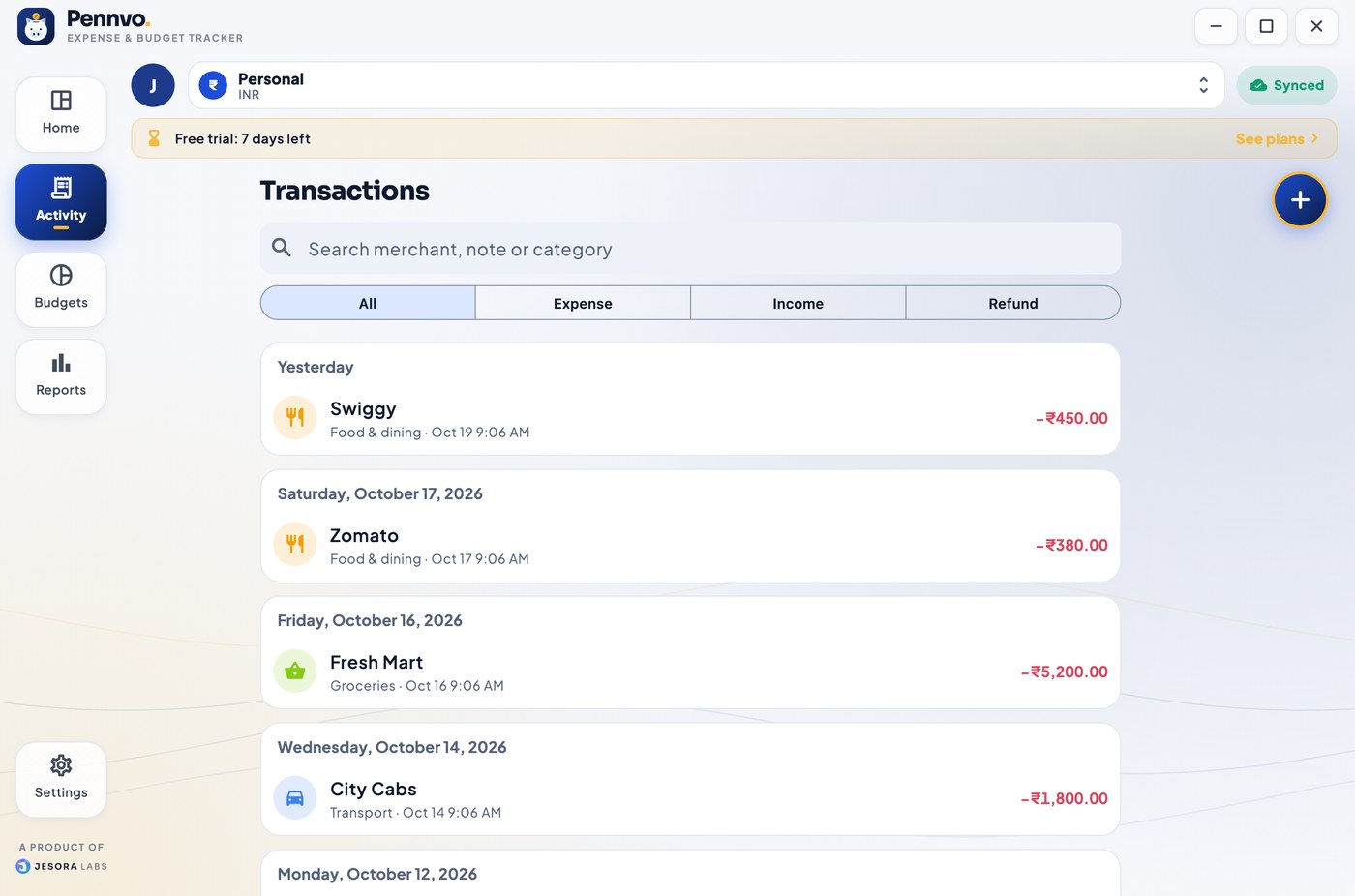
Bank messages, understood
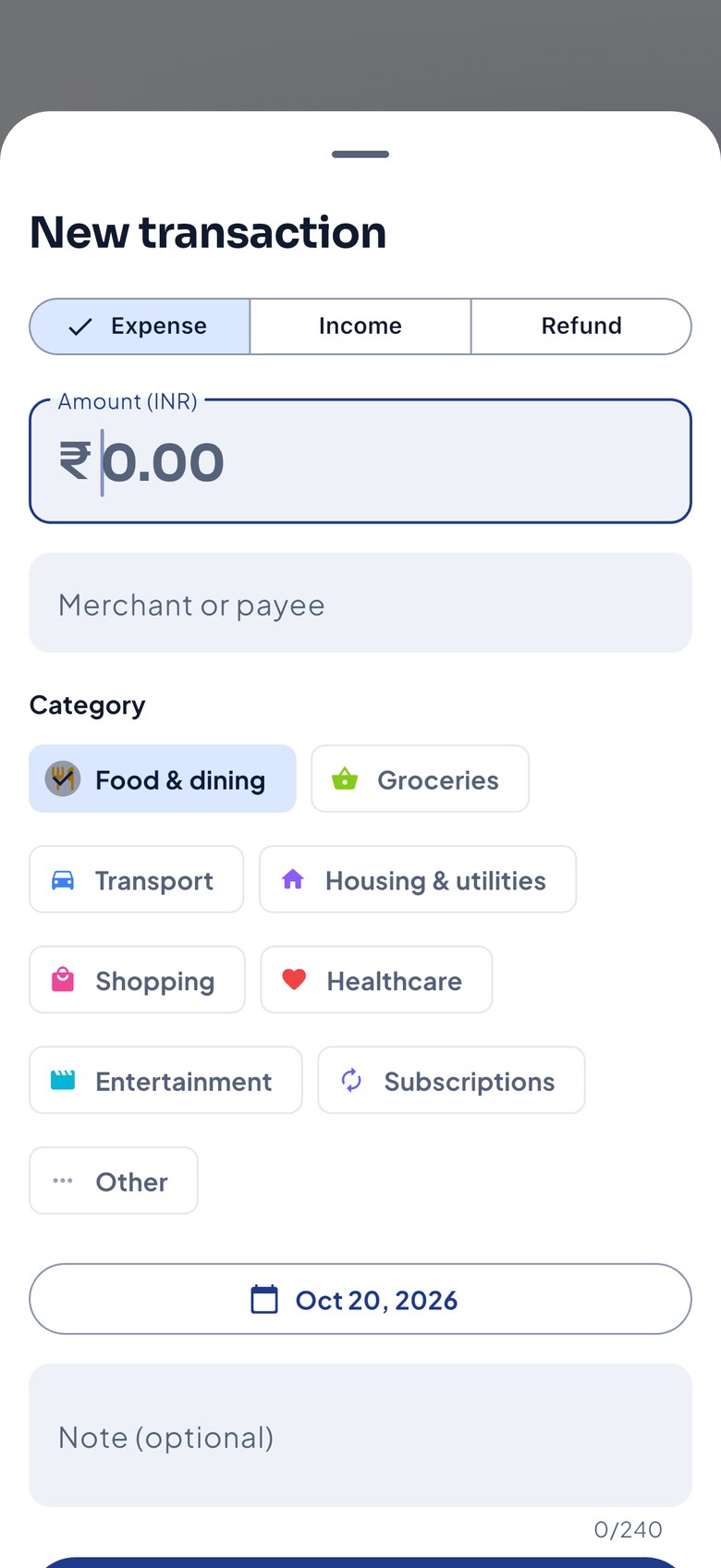
Paste a message or let Pennvo scan them on your phone. Amount, merchant, date and category are filled in; you check and add.
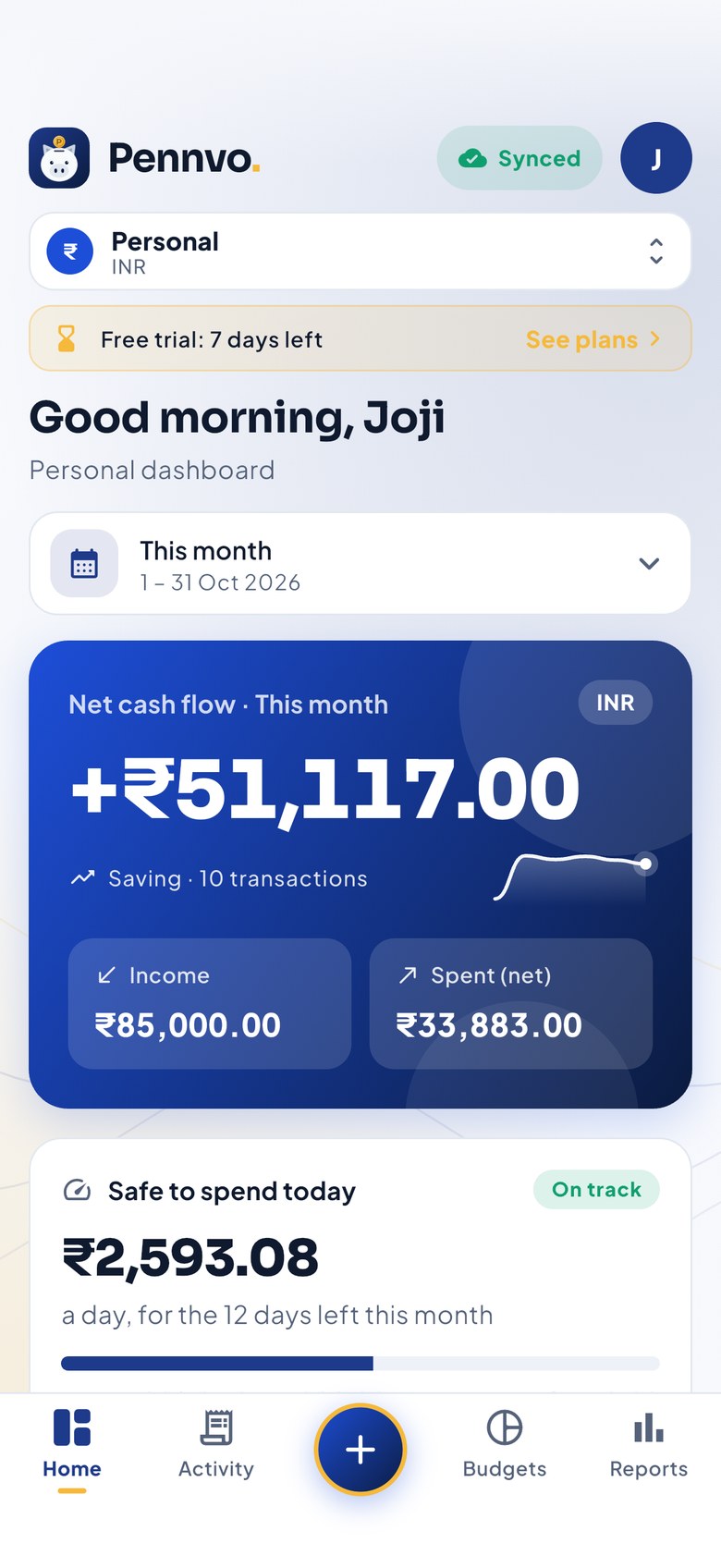
Safe to spend today
One daily number from your budget, with a warning when a category is on pace to run over, before it does.
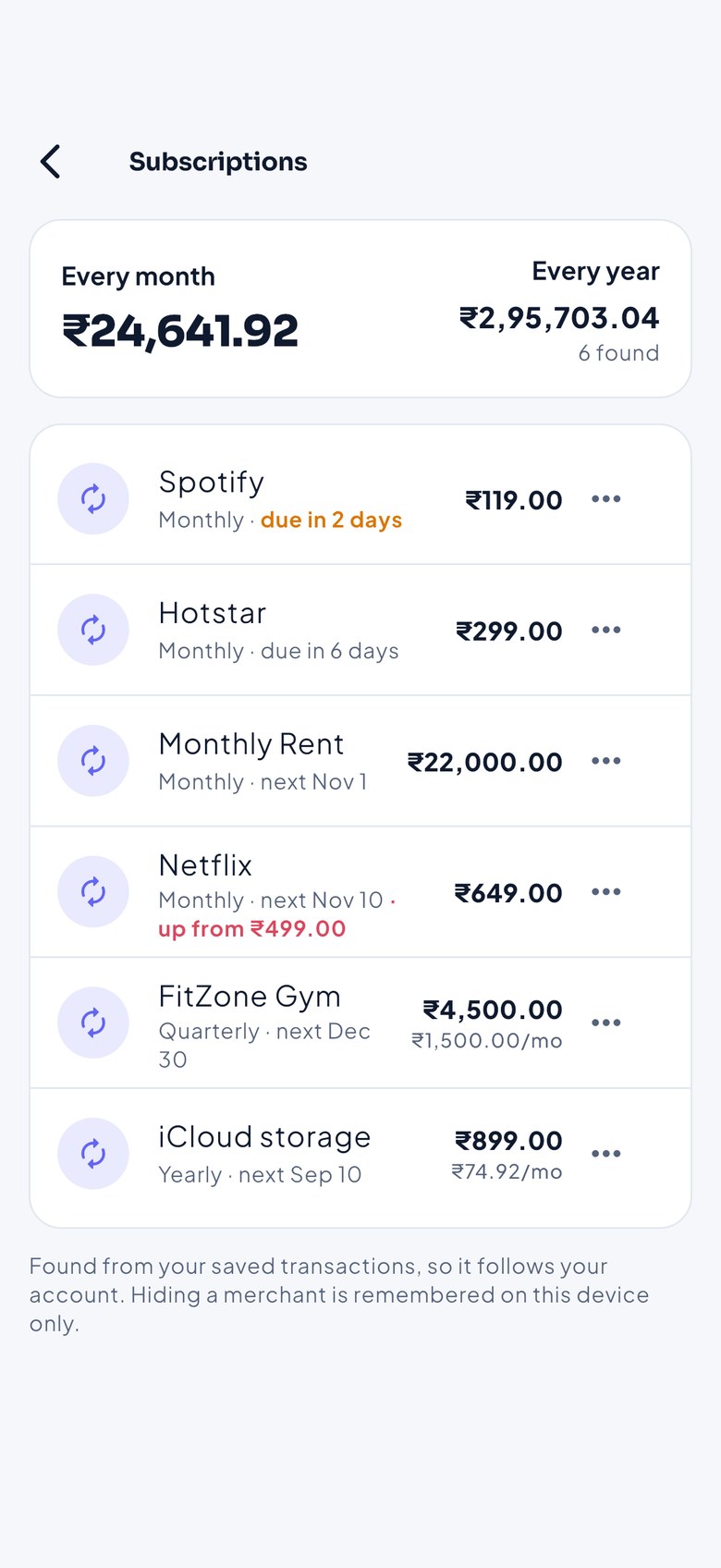
Subscriptions, found for you
Charges that repeat are listed with what they cost a month and a year, when they are next due, and when a price goes up.
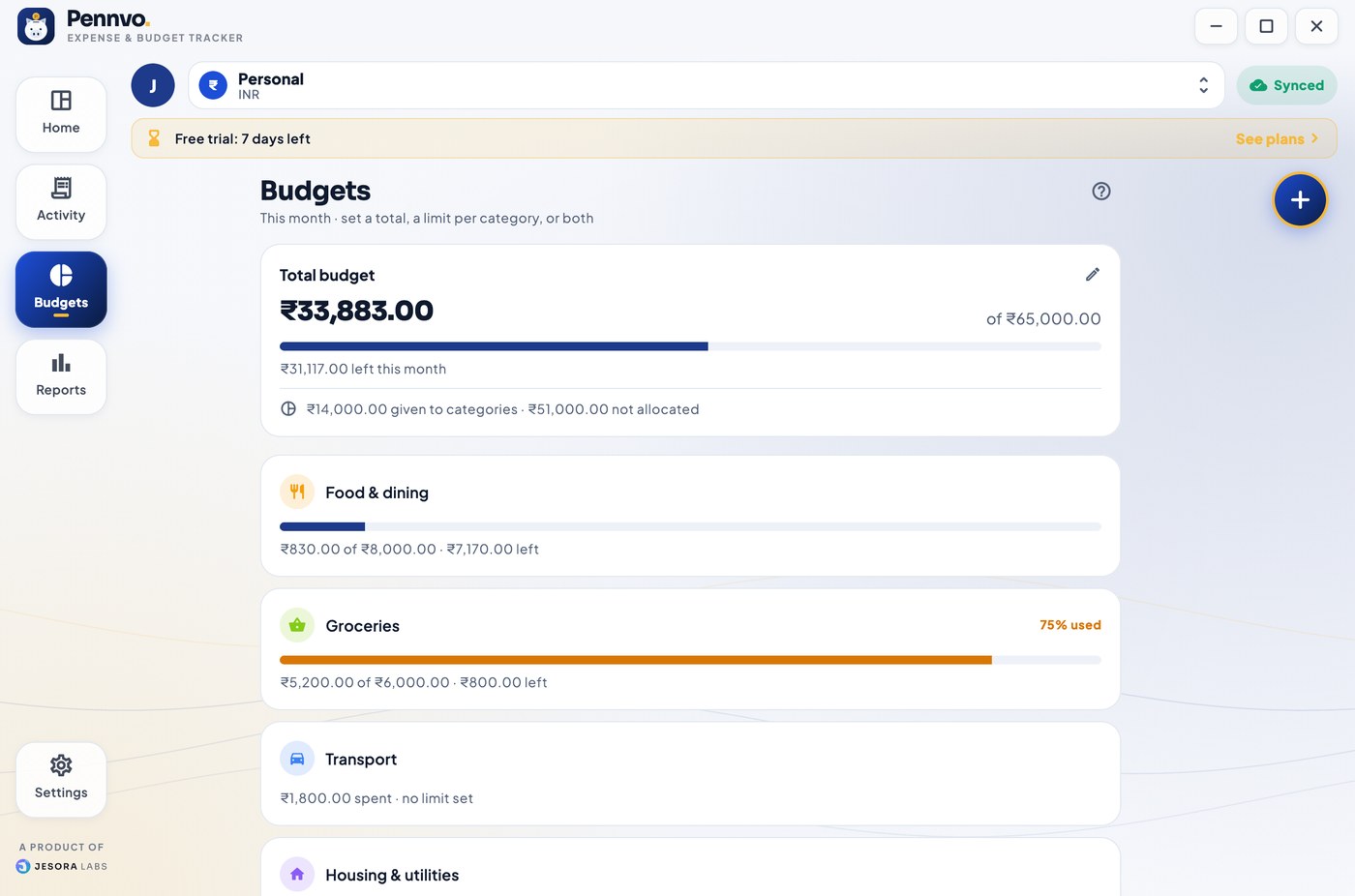
Total and category budgets
Set one total for the month, limits per category, or both. Category limits can never add up to more than the total.
A wallet per currency
Rupees, dollars, euros: each currency has its own dashboard, so totals are never mixed up.
Works offline, syncs everywhere
Add things on the train; they reach your other devices when you are back online. Phone, tablet, Mac and Windows share one account.
It learns how you sort things.
Tell Pennvo once that “Raju Stores” is groceries and it remembers. Messages you have already added are flagged instead of counted twice, and a refund names the purchase it returns.
- Your own category for every merchant you have used before
- The same bank message twice is left out, unless you tick it
- Refunds linked to the original purchase
- Change any category before you add
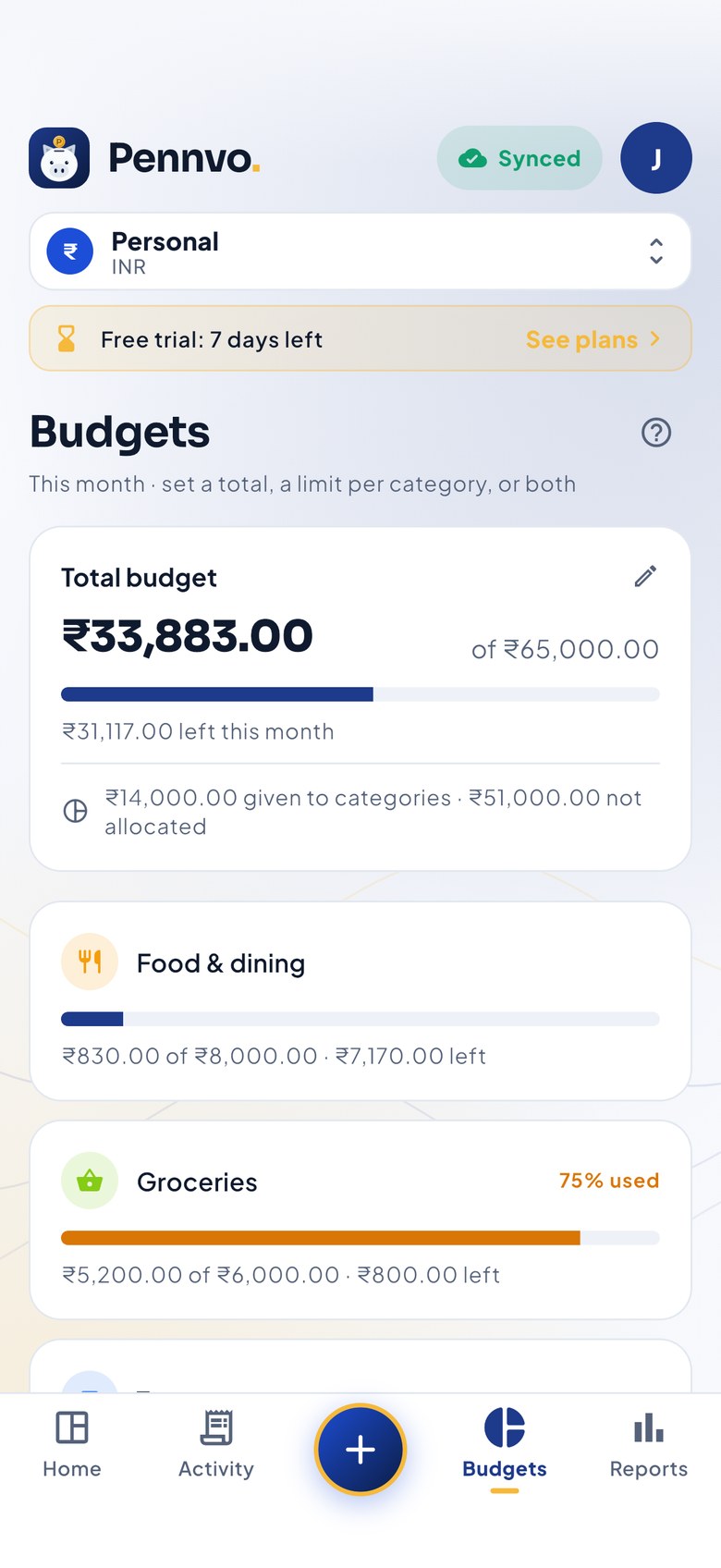
A total, a limit per category, or both.
Start with one monthly number, or give each category its own limit. Pennvo keeps them honest: the categories can never promise more than your total, and the dashboard shows how much is still unallocated.
- Progress for the total and every category
- Warnings at 75% and 90%, and when a category is on pace to pass its limit
- Remove or change a limit any time
See what keeps charging you.
Pennvo spots weekly, monthly, quarterly and yearly charges from your own transactions, so there is nothing to set up. It shows the monthly and yearly cost, what is due soon, and which price went up.
- Cost per month and per year in one place
- “Due in 2 days” and “up from ₹499” at a glance
- Hide anything that is not really a subscription
Your messages stay on your phone.
Pennvo never uploads your inbox. Bank messages are read on your device, you review each one, and only the transactions you approve are saved to your account. There are no ads and no trackers, and without Pro your data stays readable and yours.
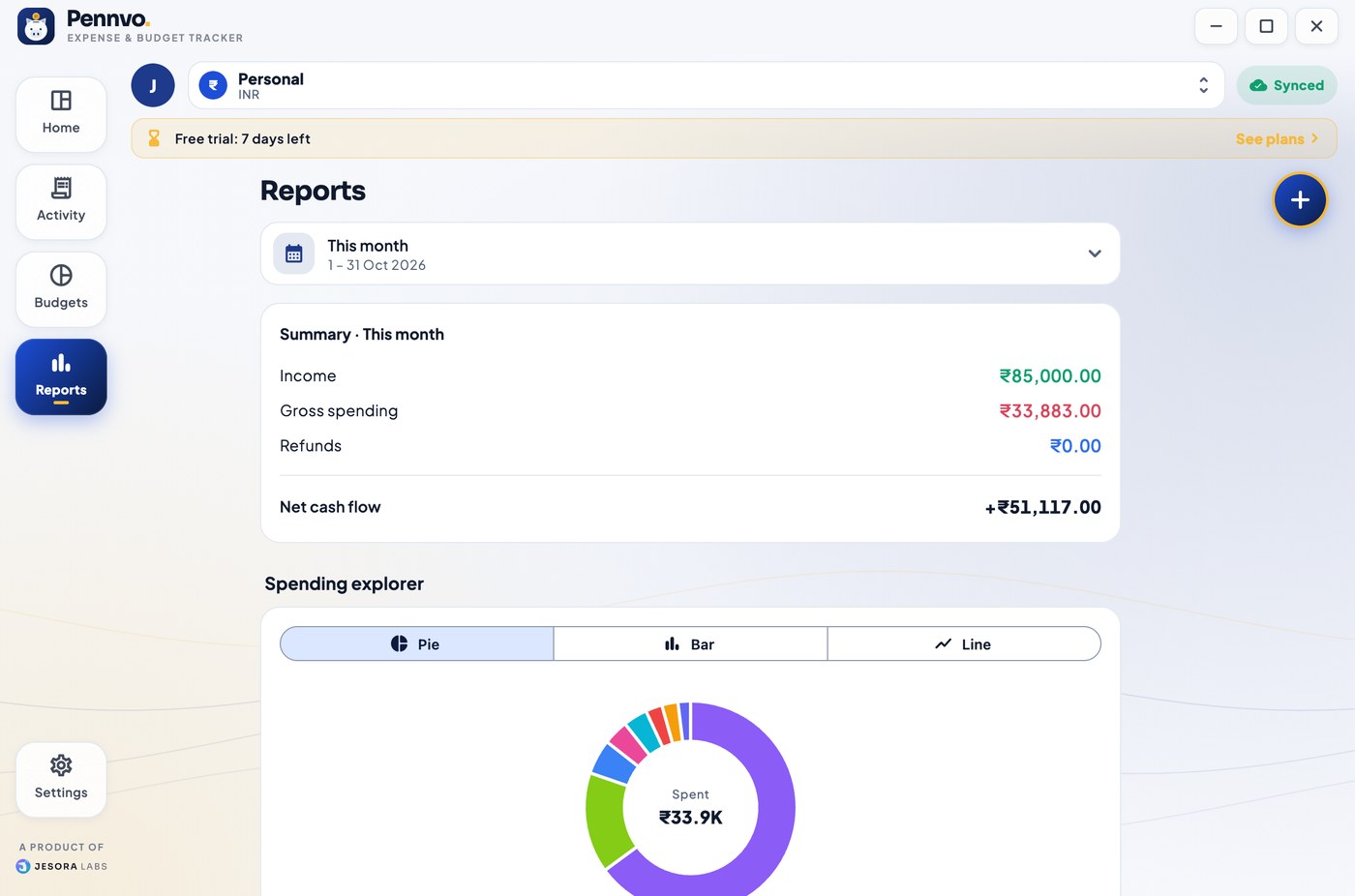
Calm on a phone. Roomy on a desktop.
Start free. Go Pro when you're ready.
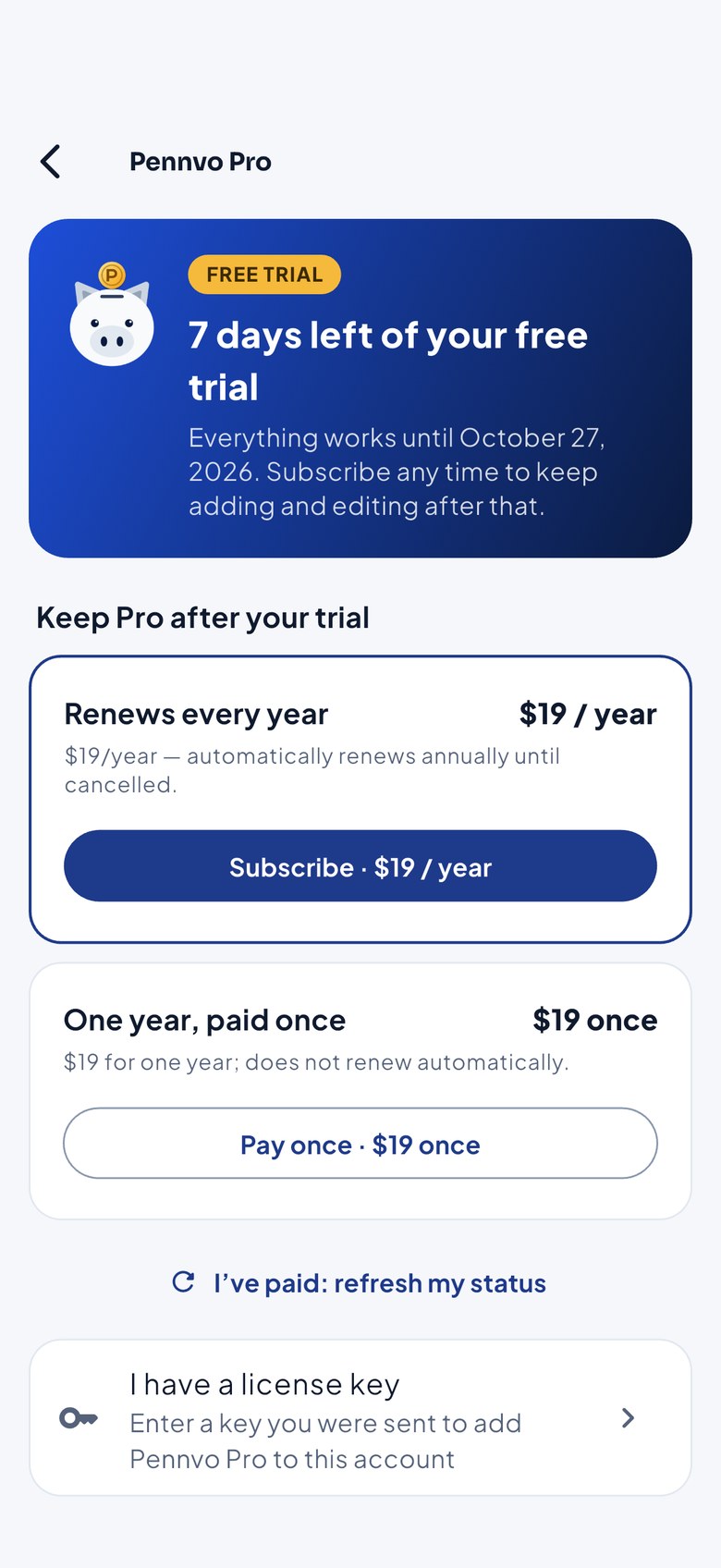
Every new account gets 7 days of everything. After that Pennvo is read-only until you upgrade: your data is never locked away from you.
Free trial
Try everything for a week
No payment details needed
- All features, full access
- Every device on one account
- Read access afterwards
Pennvo Pro
One account, all your devices
or US$19 a year outside India · renews yearly until you cancel, or pay once for a single year
- Add, edit and delete without limits
- Unlimited wallets, budgets and currencies
- Sync across every device you sign in on
- Cancel renewal any time
Good to know
Does Pennvo read all my messages?
No. It reads only what you paste or share, or, if you choose to scan on Android, messages from bank and card senders (not ordinary phone numbers) from the last 30 days. They are read on your phone and never uploaded; you review everything before it is added. iPhone has no message access, so there you paste, share, or use a Shortcuts automation.
What happens when the trial ends?
Pennvo becomes read-only: you can still open, search and see all your data, but adding, changing or deleting needs Pro. Nothing is deleted.
How does “safe to spend” work?
It takes what is left of your budget this month, divides it by the days left (today included), and shows the result. With a total budget it uses that; with only category budgets it uses their sum; with neither it uses your usual monthly income.
Can I use more than one currency?
Yes. Each currency gets its own wallet and dashboard, and a wallet never mixes currencies. Messages in another currency go to the wallet for that currency, which Pennvo creates when needed.
Which devices are supported?
iPhone, Android, Mac and Windows, on one account. Your data syncs between them, and each works offline.
How do I get a refund or help?
Write to support@jesoralabs.com. Payments made in error are refunded; see the refund policy.

Spend with a plan.
Get Pennvo on your phone and your computer. The first 7 days are free.